Screen Mirror: Record & Browse
Case Study: Screen Mirror: Record & Browse
1. Overview
- App Name: Screen Mirror: Record & Browse
- Developer: Elevenfold Labs
- Version: 1.0.16
- Size: 25 MB
- Updated On: February 19, 2025
- Downloads: 10,000+
- Content Rating: Everyone
- Platform: Android 8.0 and up
- Interactive Elements: In-App Purchases
- Compatible Devices Example: OPPO CPH2219
Summary:
A compact, multifunctional app that enables screen mirroring, high-quality recording, and private browsing—all in one smooth experience. Ideal for productivity, education, entertainment, and secure online sessions.
2. Problem Statement
Users often need:
- Reliable screen mirroring during meetings or entertainment
- High-quality screen recording with sound
- Private and ad-free web browsing
Most apps only solve one of these issues or are too large, complex, or filled with ads.
3. Solution
Screen Mirror: Record & Browse solves this with a three-in-one lightweight utility:
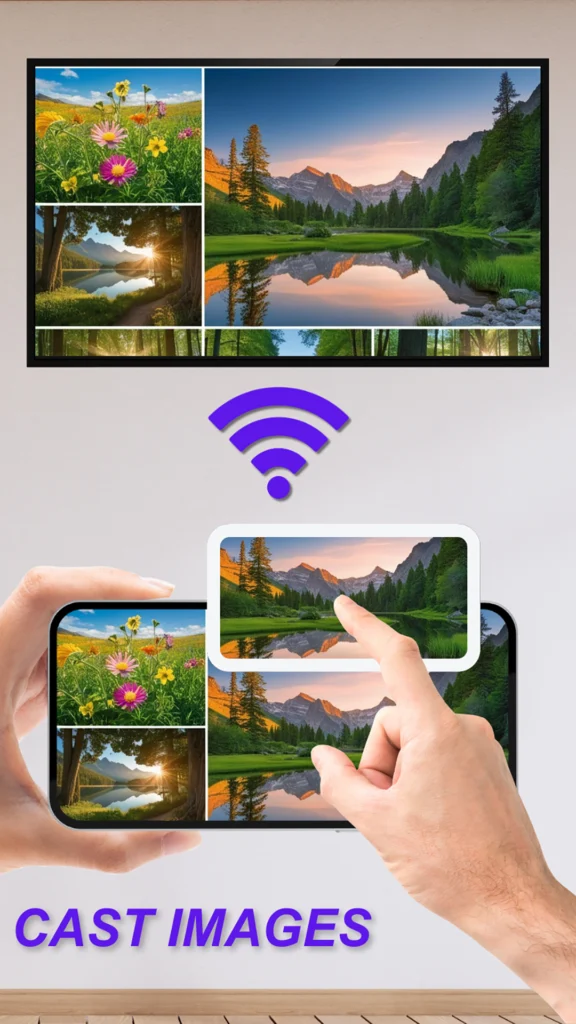
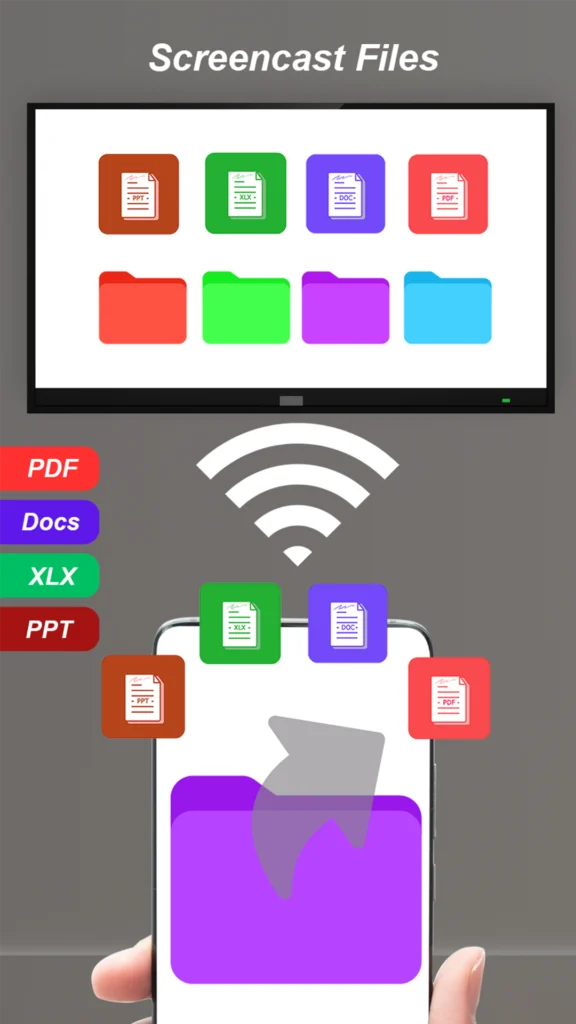
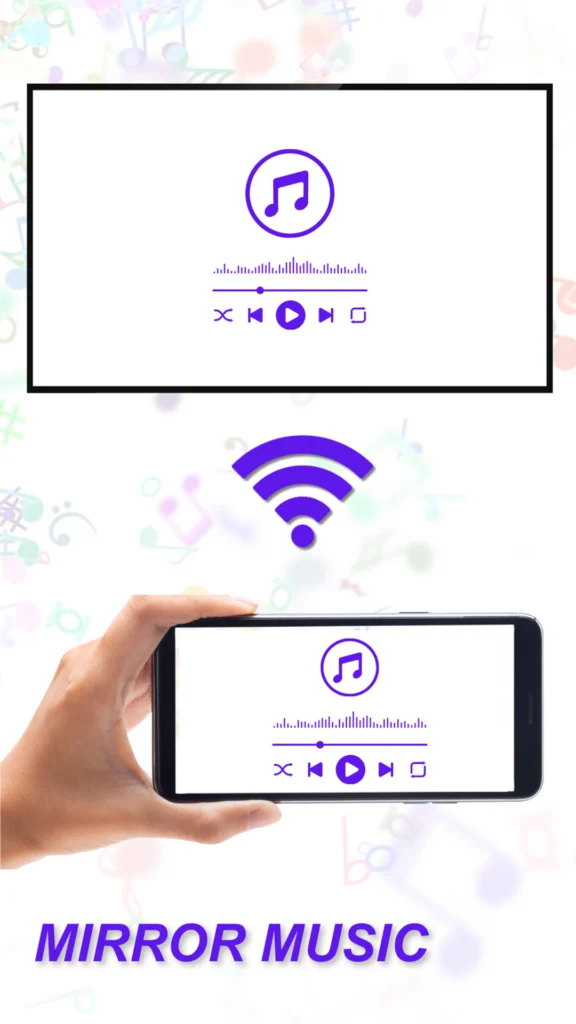
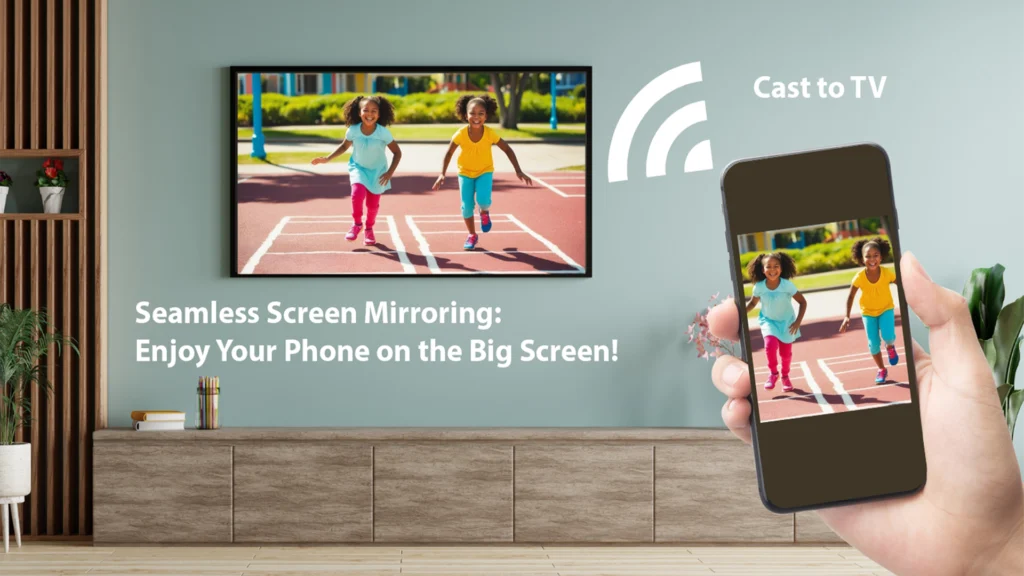
- Screen Mirroring: Mirror to smart TVs or any browser using Wi-Fi.
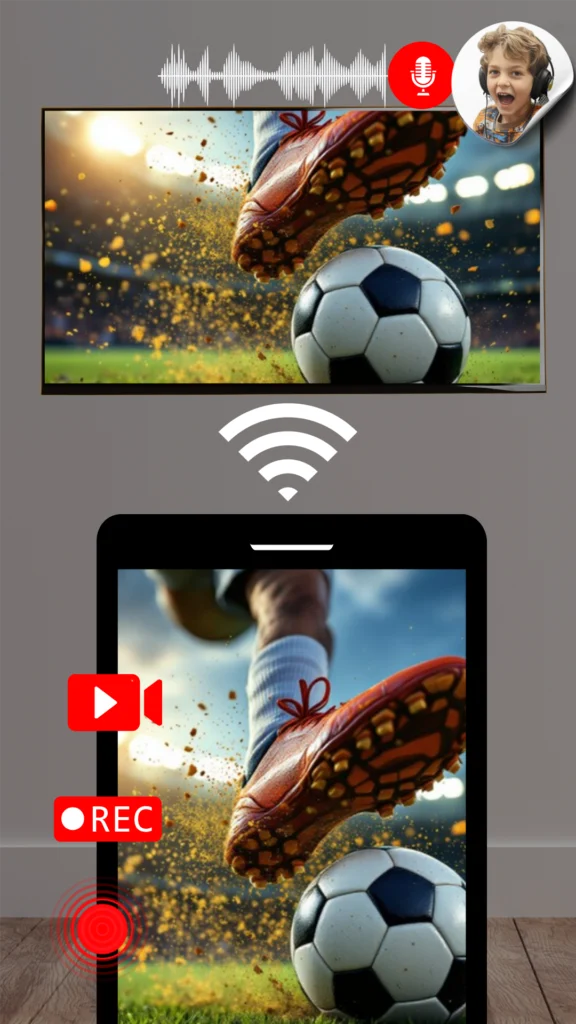
- Screen Recording: Capture mobile screen with smooth video and audio.
- Private Browser: Secure, no-history browsing for added privacy.
4. Design & User Experience
The app is lightweight (25 MB) and optimized for both high- and mid-range Android devices. It offers a minimal interface focused on one-tap controls.
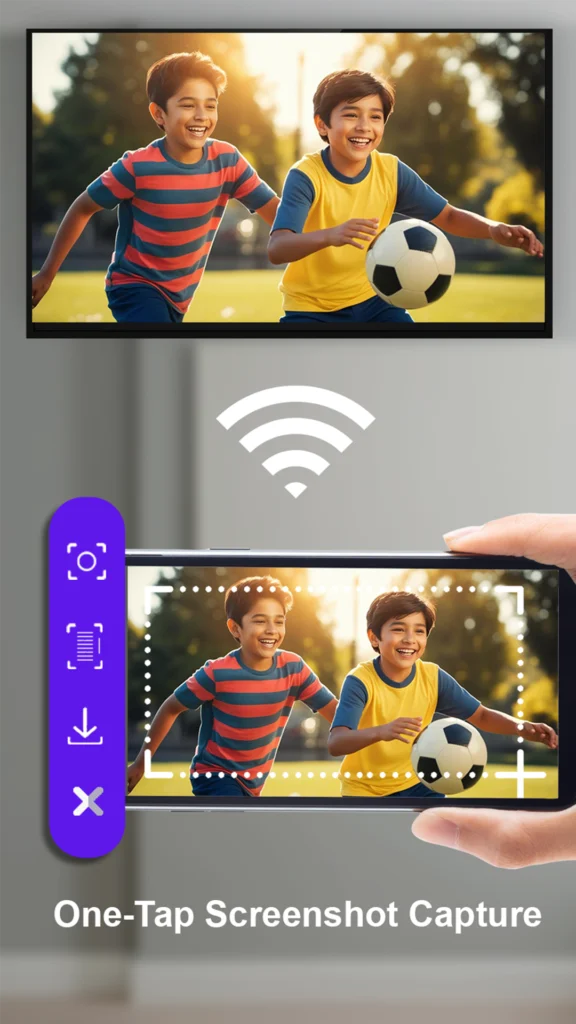
App Screenshot:

5. Development Stack
- Framework: Flutter
- Back-end: Firebase for analytics and crash reporting
- Development Tools: Android Studio
- Challenges:
- Low-latency screen mirroring
- Maintaining small app size
- Compatibility across various Android devices (8.0 and up)
6. Performance Metrics
- Downloads: 10,000+
- User Rating: [Insert from Play Store if available]
- Devices Supported: Most Android 8.0+ devices
- Monetization: In-App Purchases
- Last Updated: February 19, 2025
7. User Reviews (Highlights)
⭐ “Simple interface, works perfectly with my TV.”
⭐ “Finally an app that records screen with clear sound!”
⭐ “Private browser feature is a great bonus. Fast & secure.”
8. Future Plans
Planned Features:
- In-app video editor
- Cloud backup for recordings
- Smart mirroring to web apps (Zoom, Google Meet)
- Dark mode
Conclusion
Screen Mirror: Record & Browse by Elevenfold Labs is a rising tool in the utility space, providing powerful features in a compact app. With over 10,000+ installs, positive feedback, and regular updates, it’s positioning itself as an essential utility for modern Android users.
📎 Optional Attachments:
- Additional screenshots
- Google Play Console analytics
- Video demo
- User testimonials
Want This in PDF or Word Format?
Let me know and I’ll export this case study professionally formatted with your logo or branding if needed.
Would you like:
- PDF Version
- Google Docs Link
- HTML/Website format